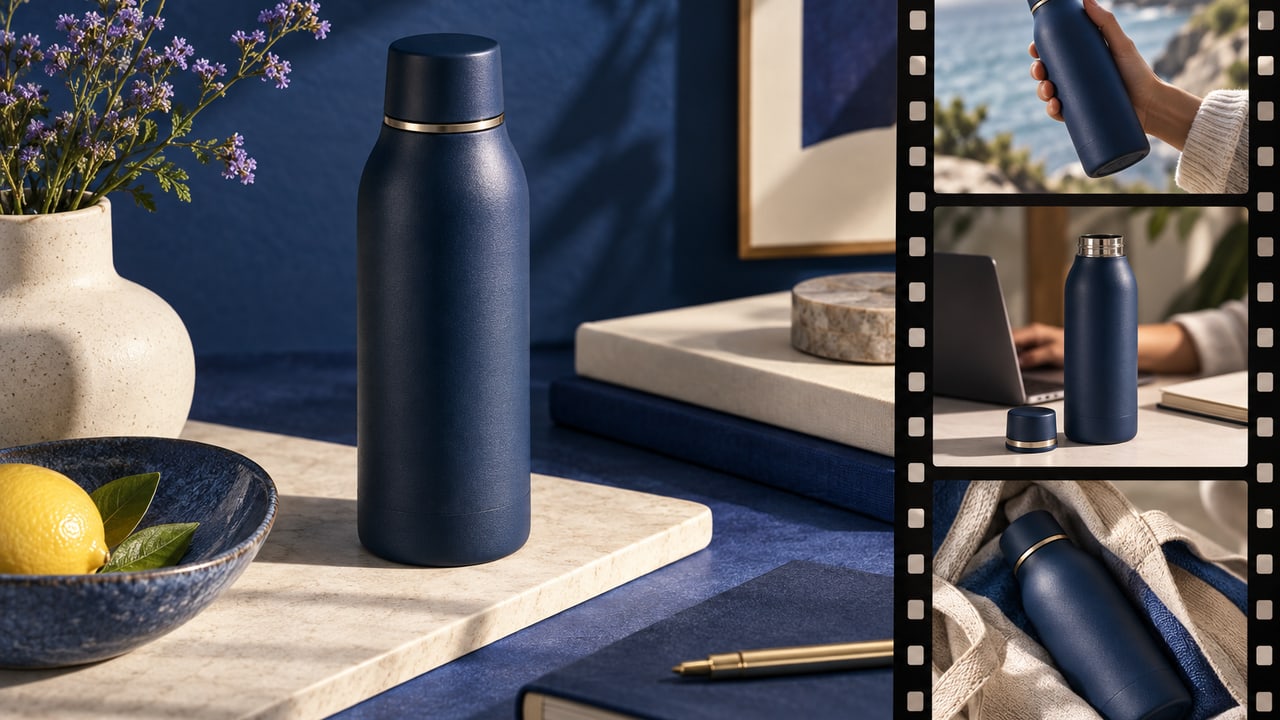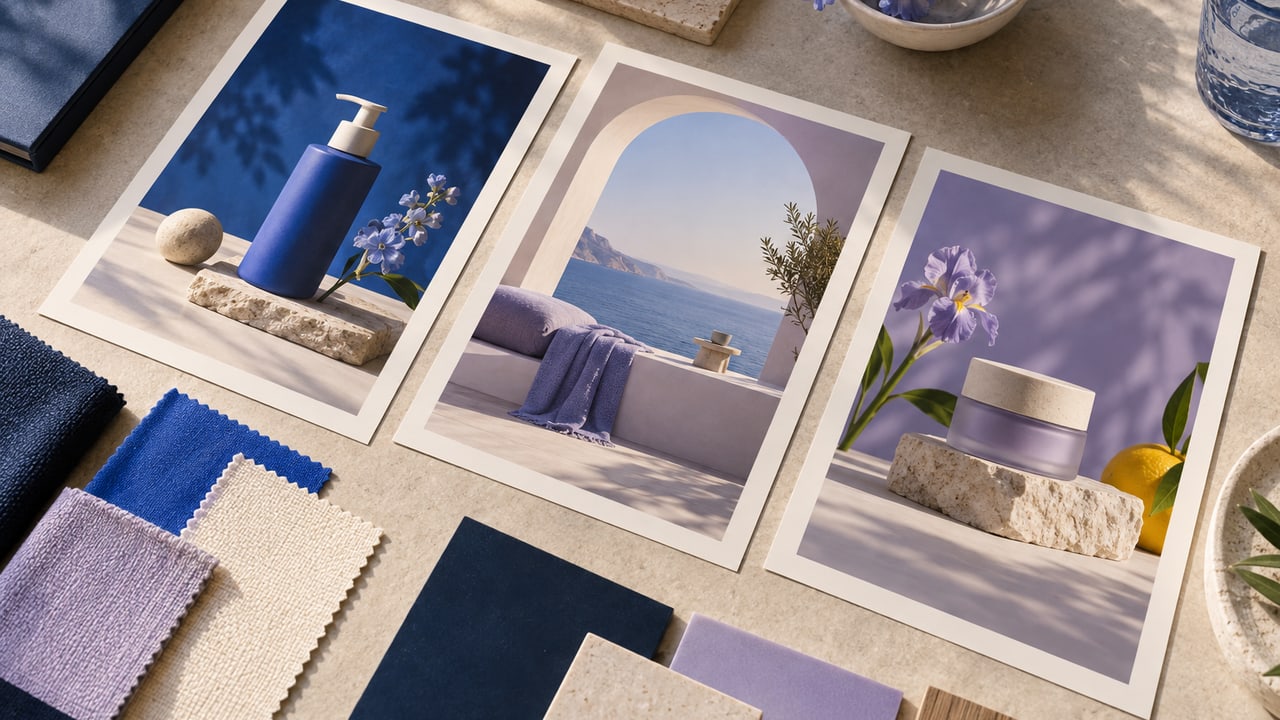
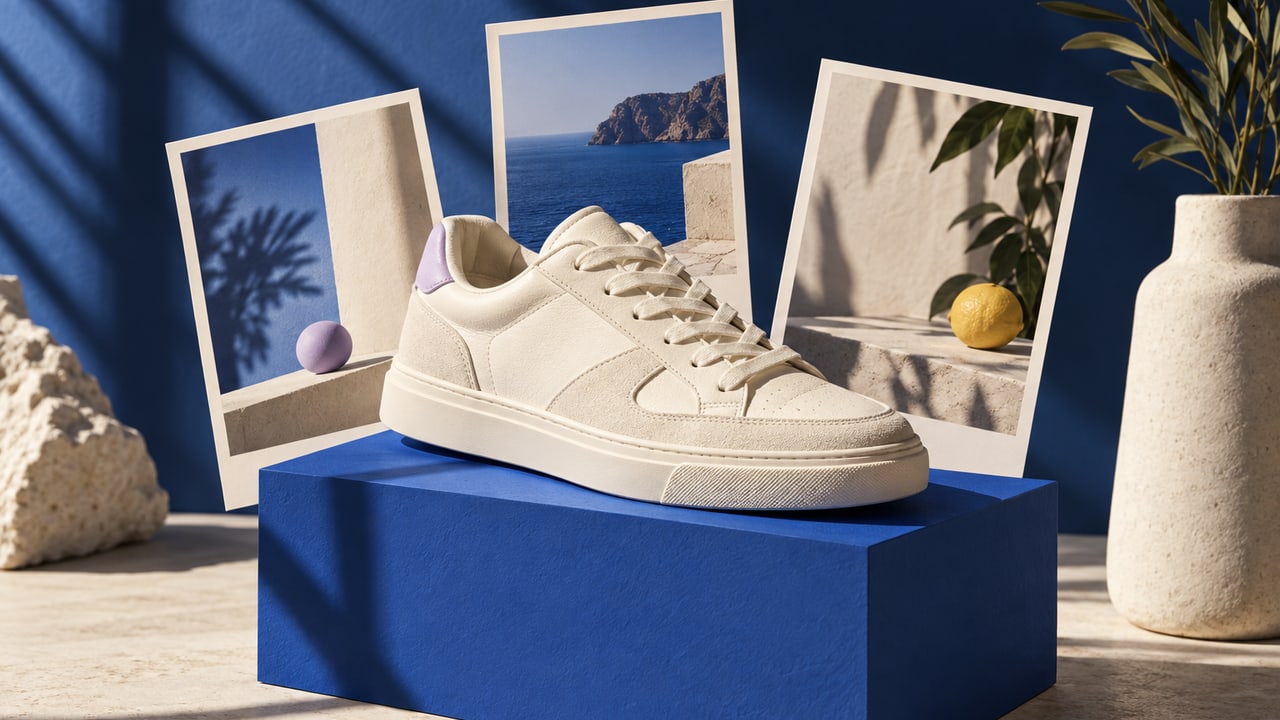
You can turn a product photo into a video ad by using the photo as the reference for a product-led commercial. ToMarket's Product hype format is built around the product itself, without an on-camera actor.
This is useful when material, shape, packaging, or visual presentation carries the message. A sneaker, a coffee bag, or a skincare bottle can be the subject of a commercial without needing a presenter to explain every frame.
What Product hype is designed to do
Product hype turns product references into a commercial direction. It is one of the eight video formats in Ad Studio, alongside presenter, story, interview, music, and explainer approaches.
Choosing a product-led format is a communication decision. It keeps attention on the object and the offer. It does not prove that a product-only video will outperform a presenter-led ad for every business.
If the customer needs a detailed explanation, a narrated or presenter format may be more suitable. Start with the information the viewer needs, then choose the format that can carry it.
Choose references that show the important details
Use approved photographs that clearly depict the product. A single attractive angle may leave important features hidden. Where available, include references that help preserve the label, shape, and relevant physical details.
Do not expect the creative workflow to infer unseen functionality. If the product opens, folds, dispenses, or attaches in a particular way, unsupported visual guesses can misrepresent it. Review any motion or demonstration against the actual product.
Give the commercial a job
A useful brief explains the product, the offer, and the visual emphasis. "Show the texture and shape of this handmade ceramic mug in a calm morning setting" is clearer than "make a viral product video."
Consider what belongs in the background. A setting can help the customer understand use, but it can also introduce an unintended claim. A product placed in an extreme environment may imply capabilities you never meant to advertise.
Our AI product photography guide covers the same fidelity questions for still images. Video adds the need to review how the product behaves over time.
Review the direction before the final render
ToMarket's video workflow includes script and scene-opening-frame review. Use those checkpoints to examine product representation and the progression of the idea.
Each scene should contribute something to the commercial. Repeated beauty shots may look polished while leaving the viewer unclear about the offer. Conversely, adding too many unrelated scenes can make a simple product difficult to follow.
Review any proposed words against the approved business facts. An attractive visual treatment does not justify an invented product benefit or customer result.
Watch the finished ad as a viewer
Check the full video after rendering. Inspect transitions, product continuity, captions, and the final message. Look for packaging changes or details that appear and disappear between scenes.
Listen to the audio if the finished piece uses it, then consider whether the central message remains understandable in the viewing context you expect. The offer should not depend on a detail that is too small or too brief to notice.
Keep production and publishing separate
A finished video is a creative asset. Putting it into a campaign requires a separate review of the destination and campaign details. ToMarket keeps those tasks in one workspace, but they remain different decisions.
If you are comparing formats, the broader AI ad creative generator guide explains why file production is only one part of the job. Start a Product hype video in Ad Studio when the product itself should lead the commercial.