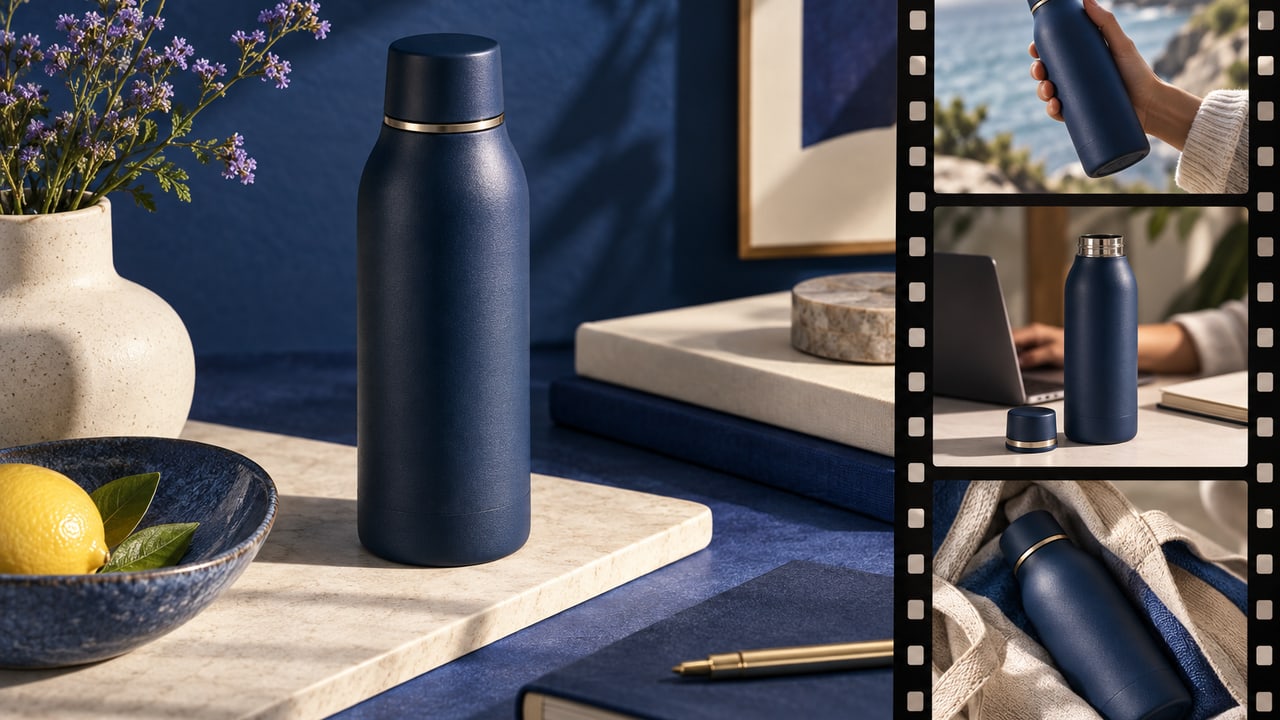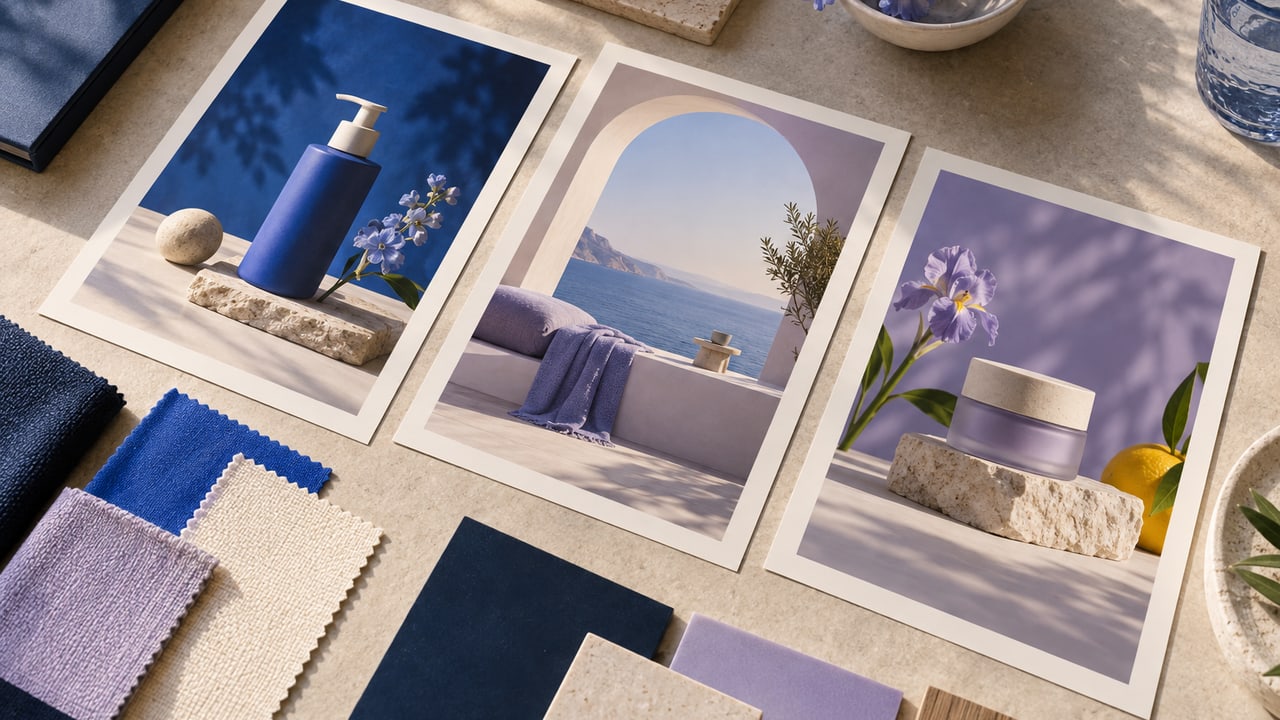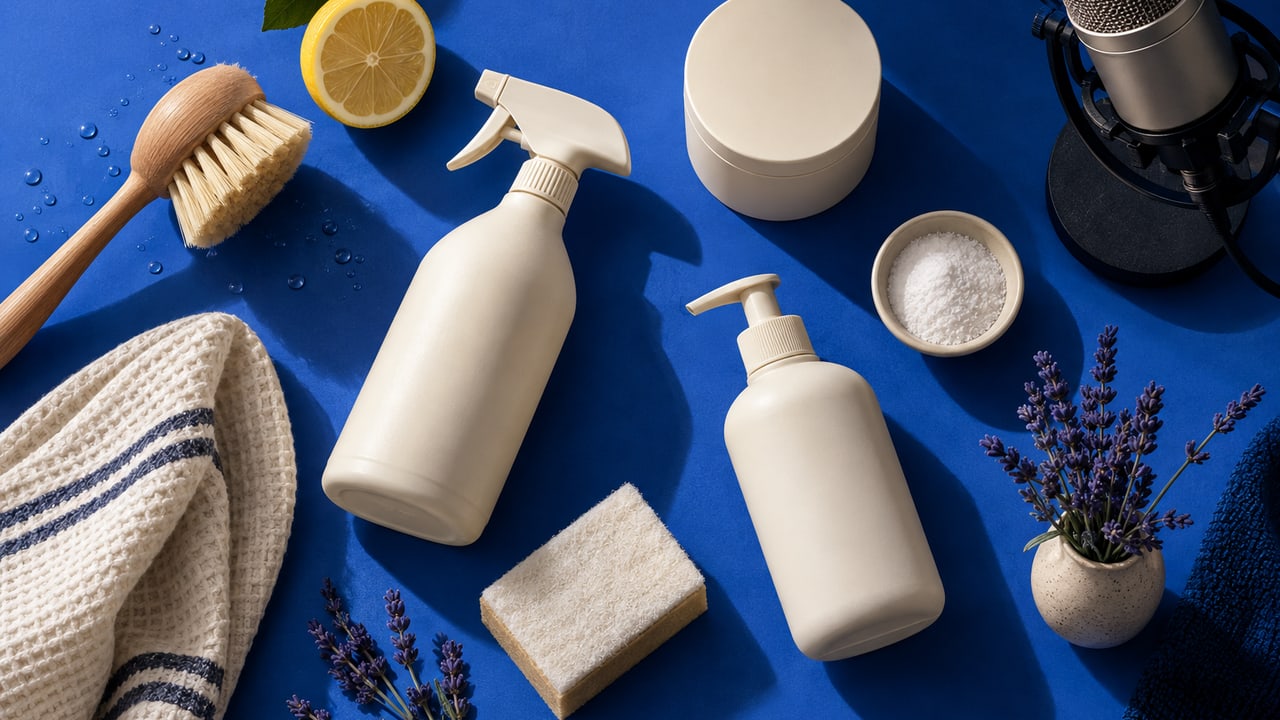
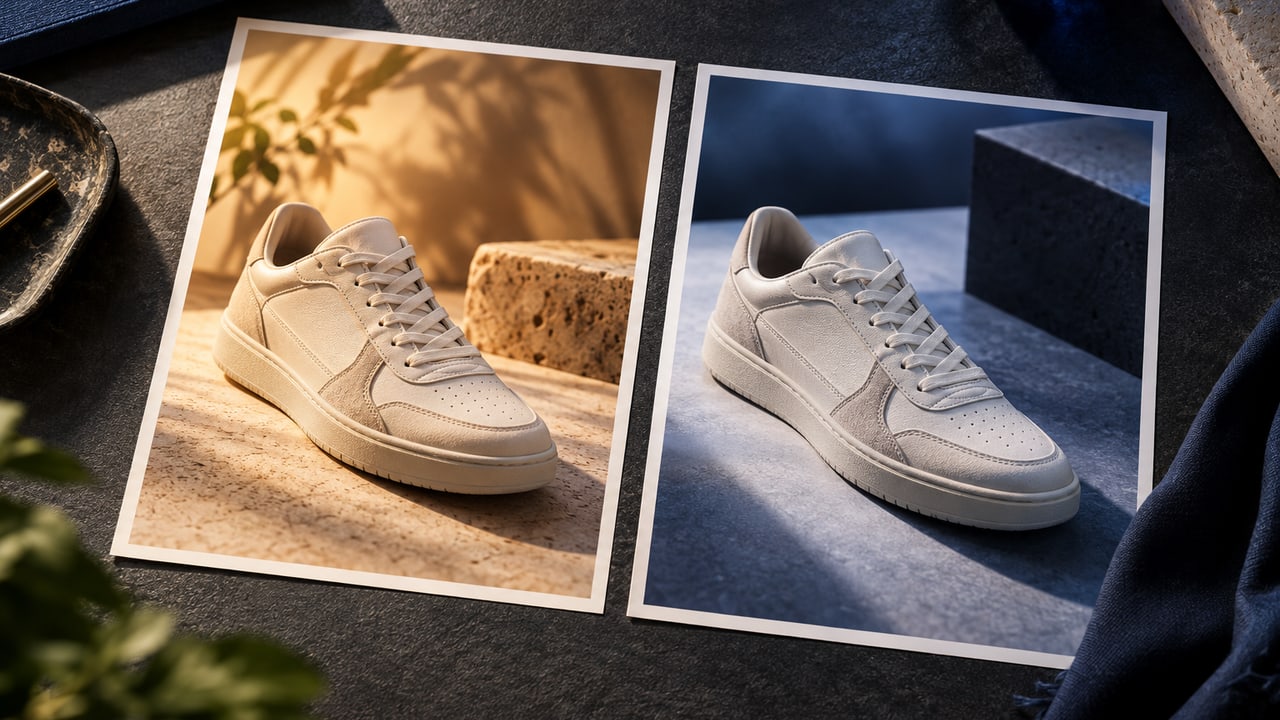
To edit AI ad images with natural language, describe the specific change and the details that must stay the same. ToMarket's image editor lets you request a new take while retaining the original, so you can compare the result instead of losing the starting point.
Editing is most useful when you already know what is wrong. "Make it better" is hard to evaluate. "Keep the product and framing, but remove the clutter behind the label" gives both you and the editor a clear target.
Separate the image problem from the message problem
If the visual is too busy, an image edit may solve it. If the offer is unclear, changing the lighting probably will not. Before requesting a new render, identify whether the issue is composition, product accuracy, text, or the underlying message.
This avoids spending time polishing a concept that says the wrong thing. A clean image of a product still needs a reason for the customer to care. Our guide to customer problems and ad angles covers that part of the brief.
Name the change in plain language
Useful requests describe visible outcomes. For example: "Make the background a warmer ivory, keep the bottle size unchanged, and leave clear space above the product." Another might be: "Reduce the reflections on the packaging so the label is easier to read."
Avoid combining contradictory directions in one request. A scene cannot be both a tight macro crop and a wide environmental view of the same composition. If you want to explore a different concept, treat it as a new direction rather than a small correction.
Tell the editor what must remain accurate
Product shape, label, color, and offer details often matter more than the background. Include those constraints when you request an edit, then inspect them in the result.
A prompt is not a guarantee of preservation. The revised image may fix the intended issue and introduce a different one. That is why keeping the original is valuable: you have an actual comparison point instead of relying on memory.
If a generated product detail is already wrong, return to the approved reference. Asking for a more attractive version of an inaccurate product image can make the error harder to notice.
Compare versions against the original task
Look at both images at the size where people will encounter them. Is the intended improvement visible? Did it make the product easier to understand? Is important text still readable?
Do not select a version only because it is different. A stronger color or more dramatic shadow can feel fresh without helping the ad. The brief should give you a reason to choose one result over another.
The product photography guide explains how references and scene choices establish that comparison before you start editing.
Review text and product facts separately
Visual inspection should include every word shown in the image. A small lettering error can be missed when you are focused on lighting. Confirm any discount, product name, or claim against the approved offer.
Ad copy outside the image also deserves its own review. ToMarket's image workflow includes copy editing, but a visual change does not automatically make the surrounding headline or primary text accurate.
Keep the chosen version connected to the campaign
Once you select a result, use the reviewed creative rather than an earlier download with a similar filename. ToMarket's creative library helps keep that work in the same workspace as campaign preparation.
The Ad Studio is built for this cycle of creating, reviewing, and refining. Bring a clear correction, retain the source of truth, and choose the version that solves the actual problem.